Add a custom form script to your Webflow site
To submit data to Loops seamlessly from your Webflow site we provide some JavaScript, which can be added to your site.Get the script
Use this script in your Webflow page.
Where to add the script
- If you have a Loops form on every page of your site, add this code to the “Footer code” section in your Site settings (read how in the Webflow docs).
- If you have a Loops form on only one page, add this code to the “Before </body> tag” section in your Page setting (read how in the Webflow docs).
Add a form to your page
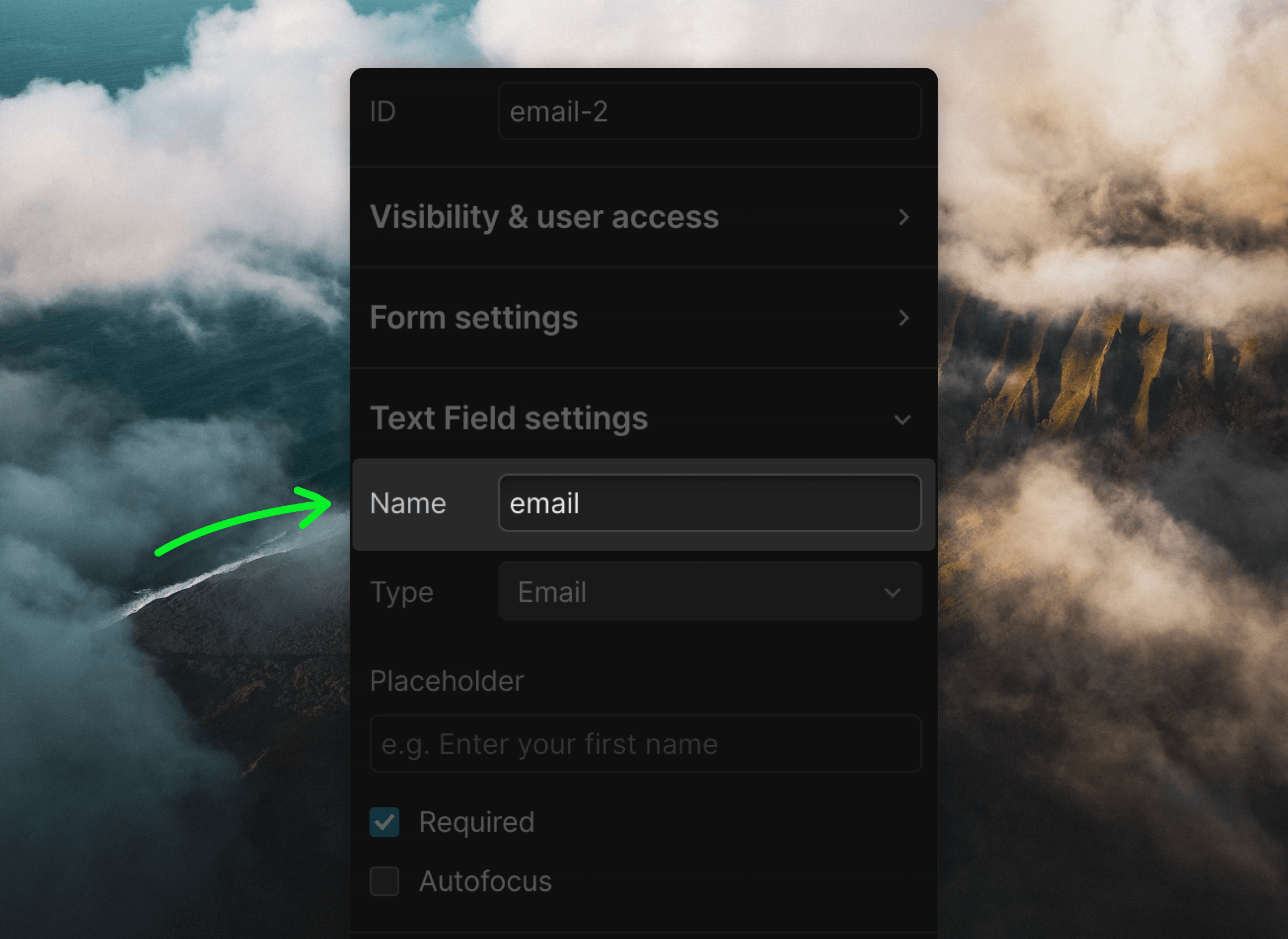
Next you need to create a form in your Webflow page. Use the “Input” and “Button” elements. When you add new fields, make sure the “Name” value in the field’s settings panel matches the name of the field in Loops:email, firstName, etc. You can check the full list of your available properties from your API Settings page.
How to add hidden fields
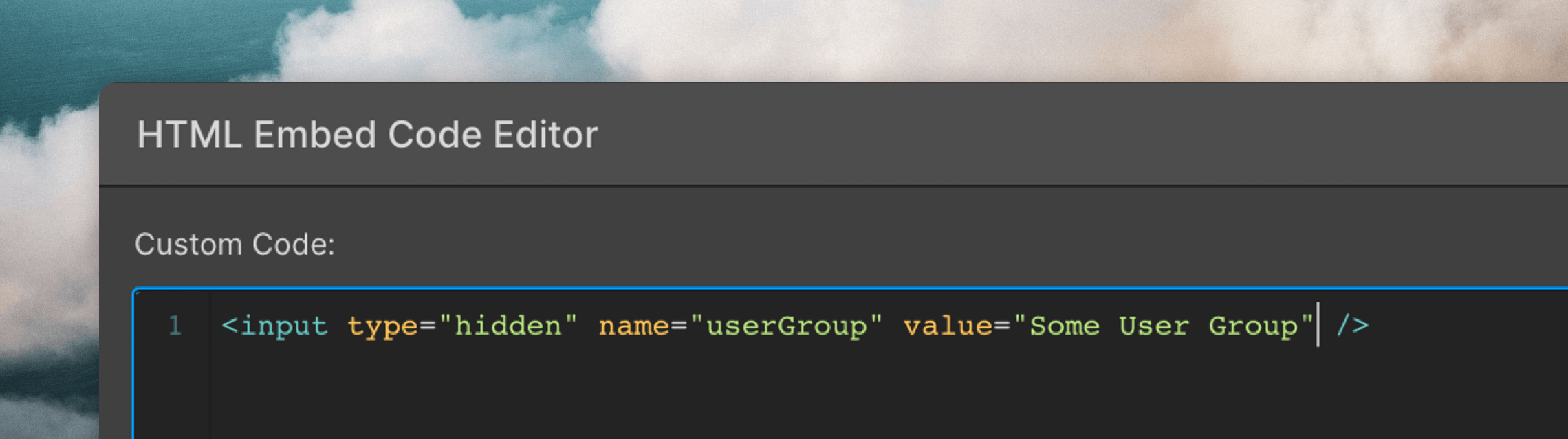
You may want to assign a property to all contacts that submit the form (for example,source or userGroup).
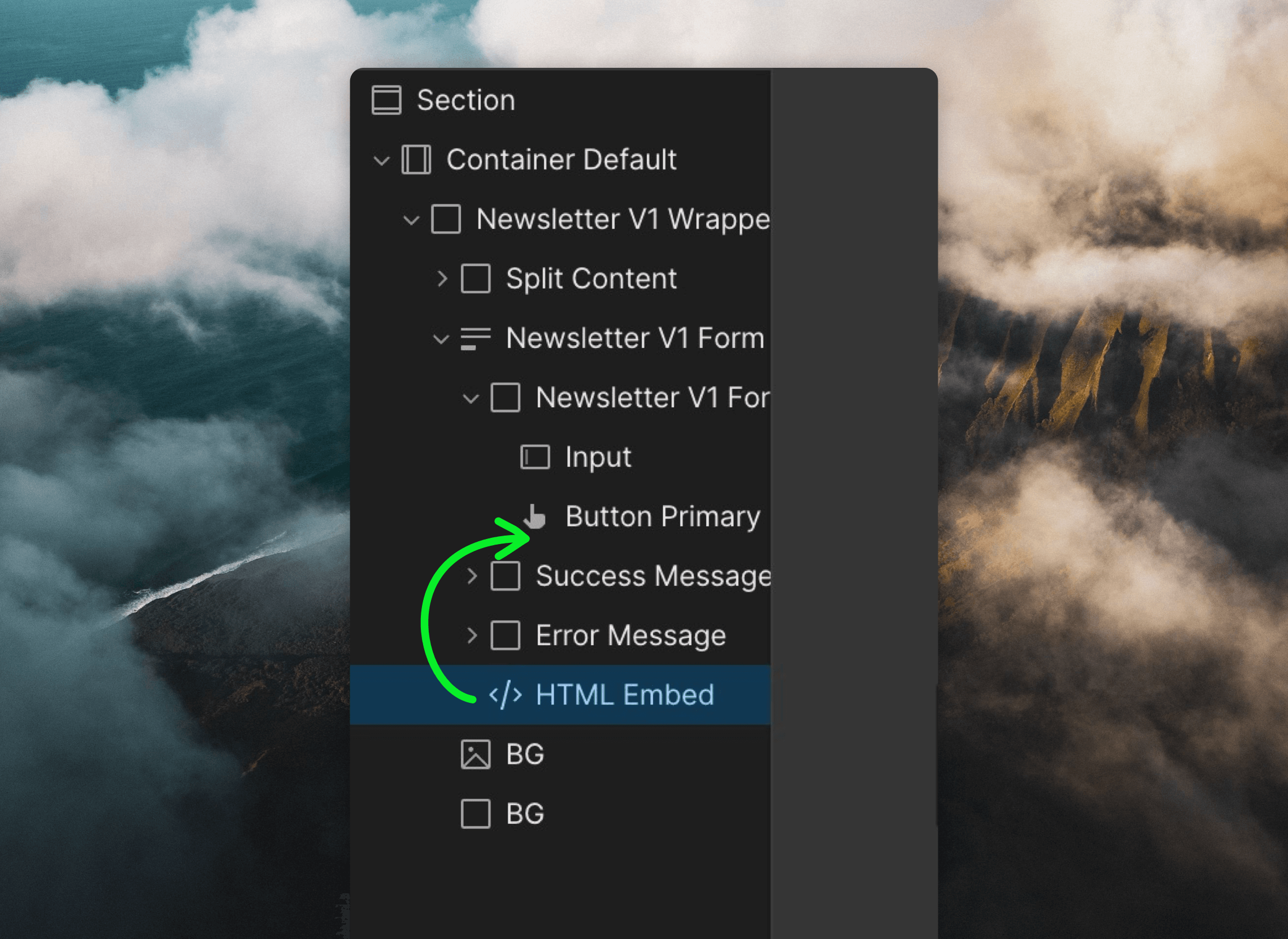
For this add an “Embed” component inside your form on the same level as your input and button elements.
name values match the “API Name” values in your API Settings).
Add your Loops form endpoint URL
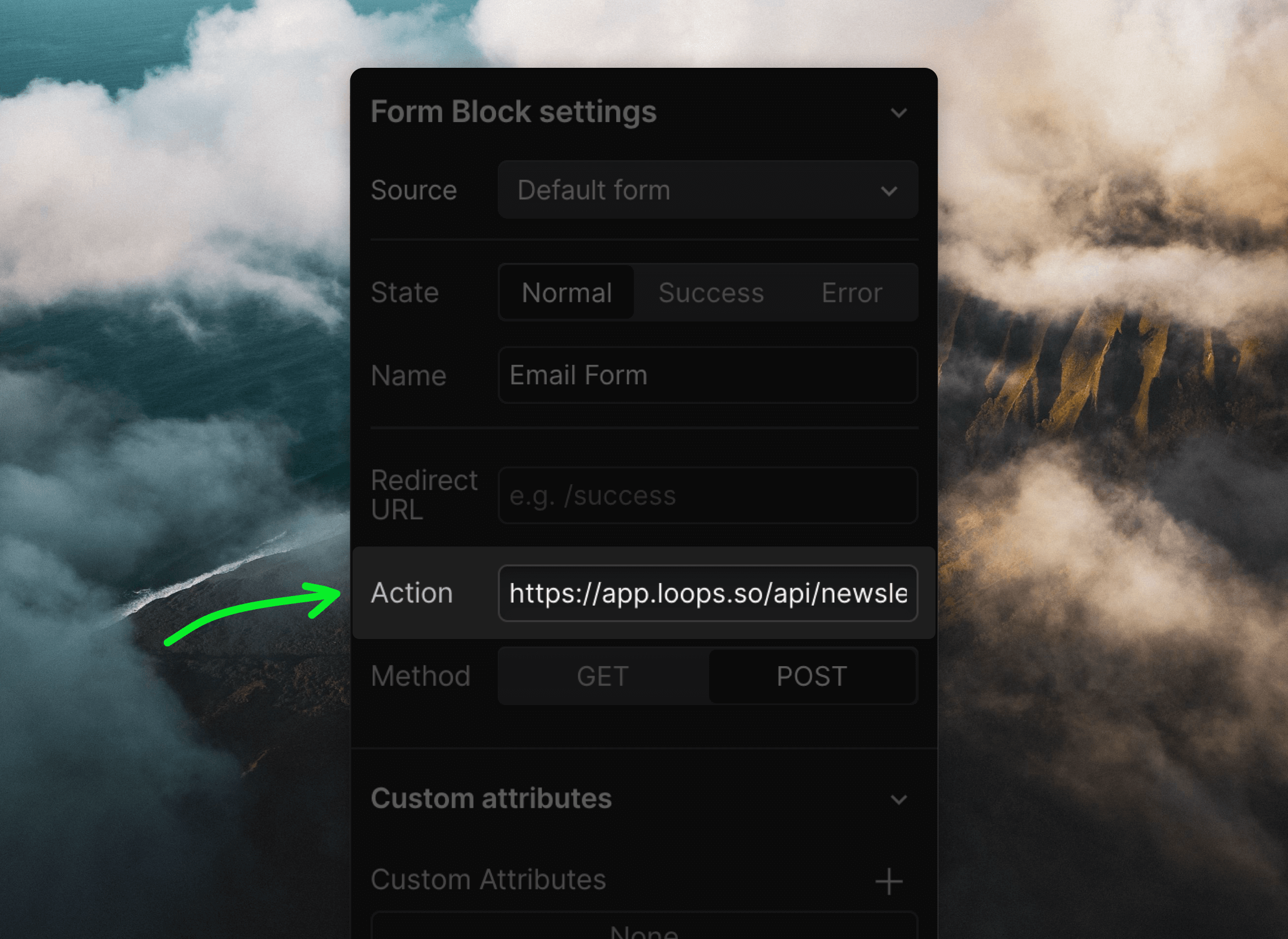
The last step is to make sure your form submits data to Loops. You do this by adding a Loops form endpoint as the form’s “Action” value.- Go to the Forms page in your Loops account.
- Click on the Settings tab.
- Copy the URL shown in the Form Endpoint field.
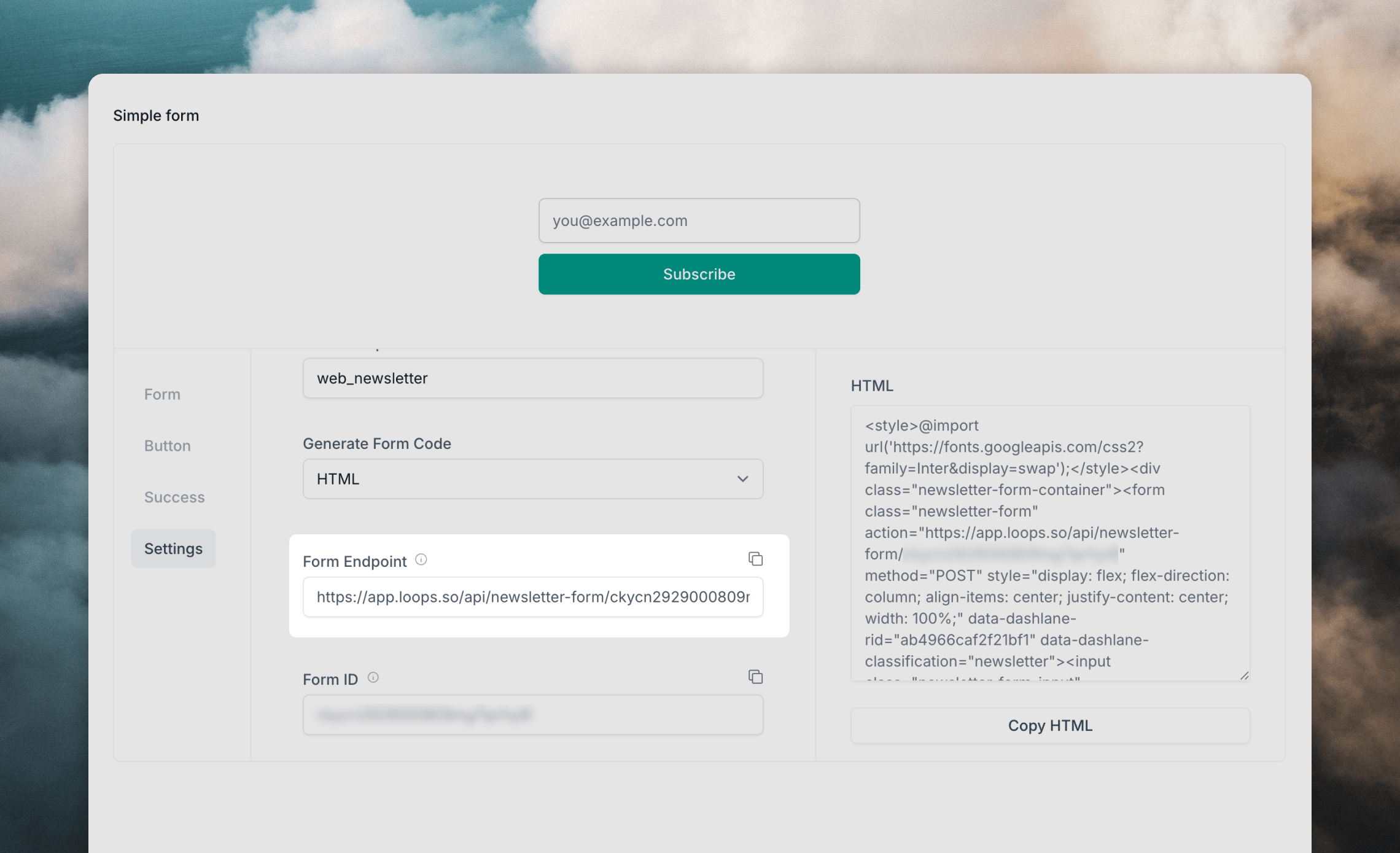
- In Webflow, click on your Form Block, go to the Settings panel and paste the URL into the Action field.