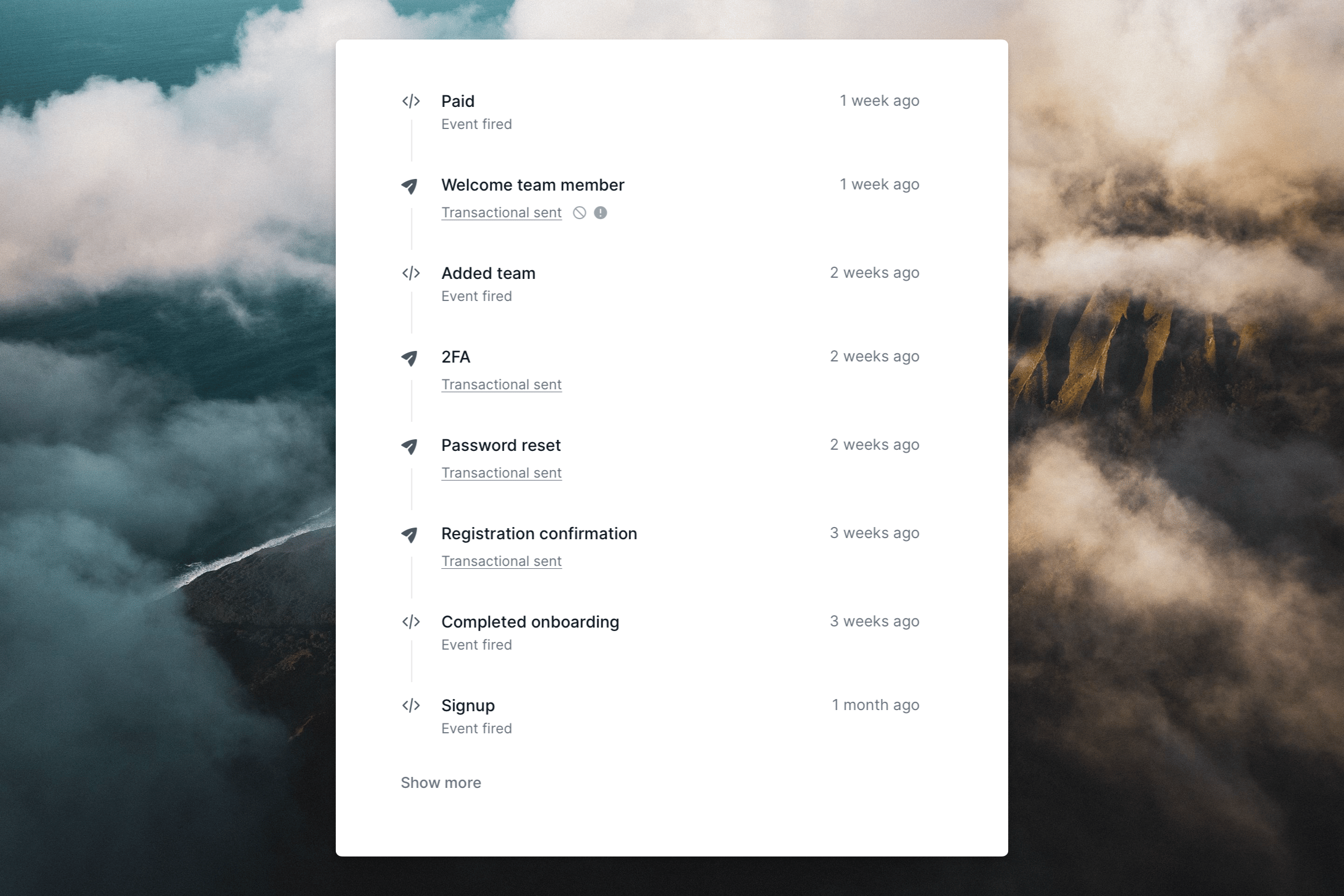
The contact activity timeline is a great way to see all the activity for a specific contact.
The contact activity timeline provides a chronological view of all the activity for a specific contact. To access the contact activity timeline, click on a contact from inside an audience.Email events that can show on the timeline include:
Sent
Opened
Clicked
Soft bounced
Hard bounced
Marked as spam
Unsubscribed
Additionally, we also show the following properties:
Added to audience
Event fired
Last modified on September 25, 2026
Was this page helpful?
⌘I
Assistant
Responses are generated using AI and may contain mistakes.