> ## Documentation Index
> Fetch the complete documentation index at: https://loops.so/docs/llms.txt
> Use this file to discover all available pages before exploring further.
# Links
> Add static and dynamic links to text, images, and buttons in Loops emails, append UTM parameters, and control per-link click tracking.
You can add links to text, images and buttons. First, select the text or element and click the `+` icon in the **Link** editor panel. You can also use the `⌘+K` keyboard shortcut.
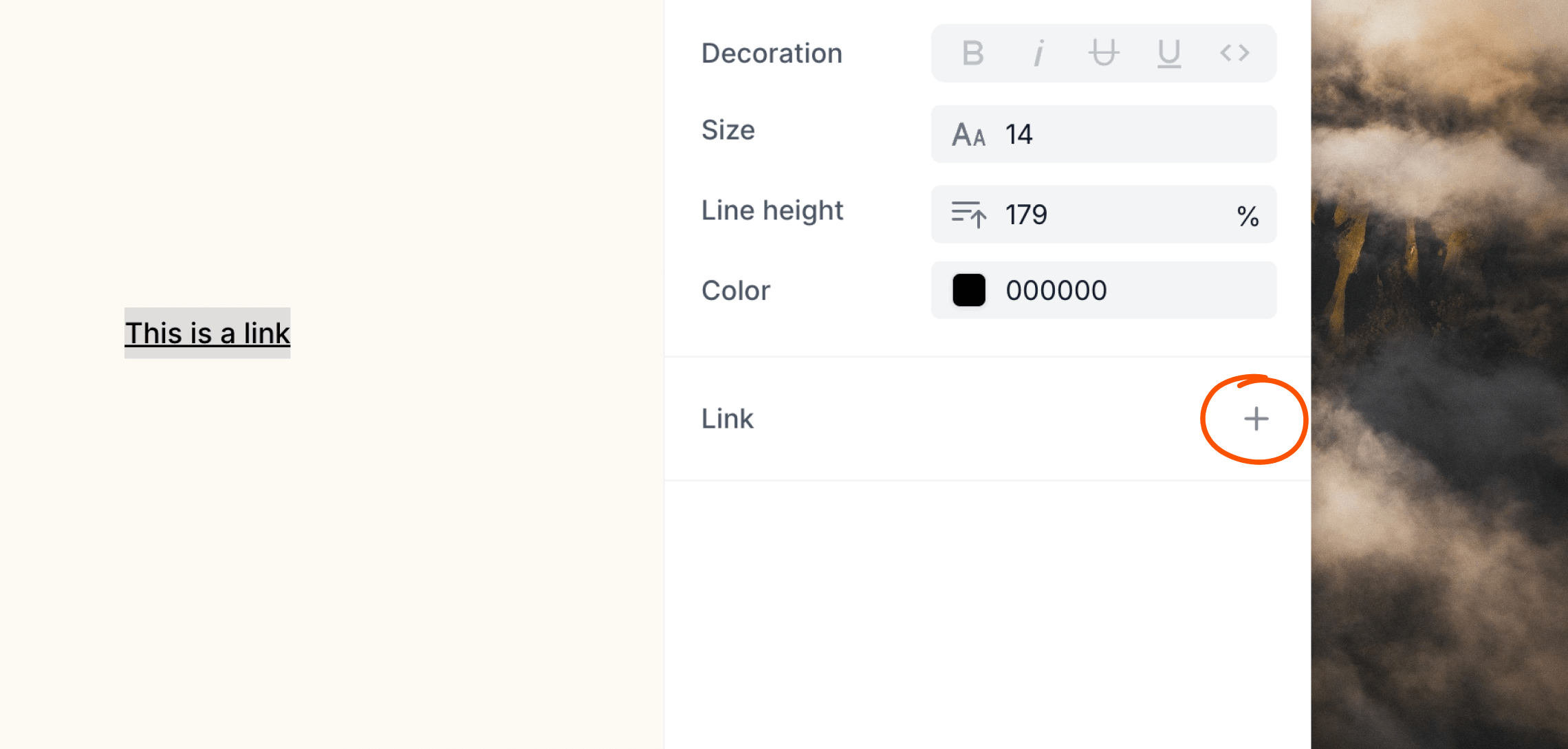 Enter your URL into the field then hit Enter. Helpfully, you can omit the `https://` protocol as it is automatically added to each link.
## Dynamic links
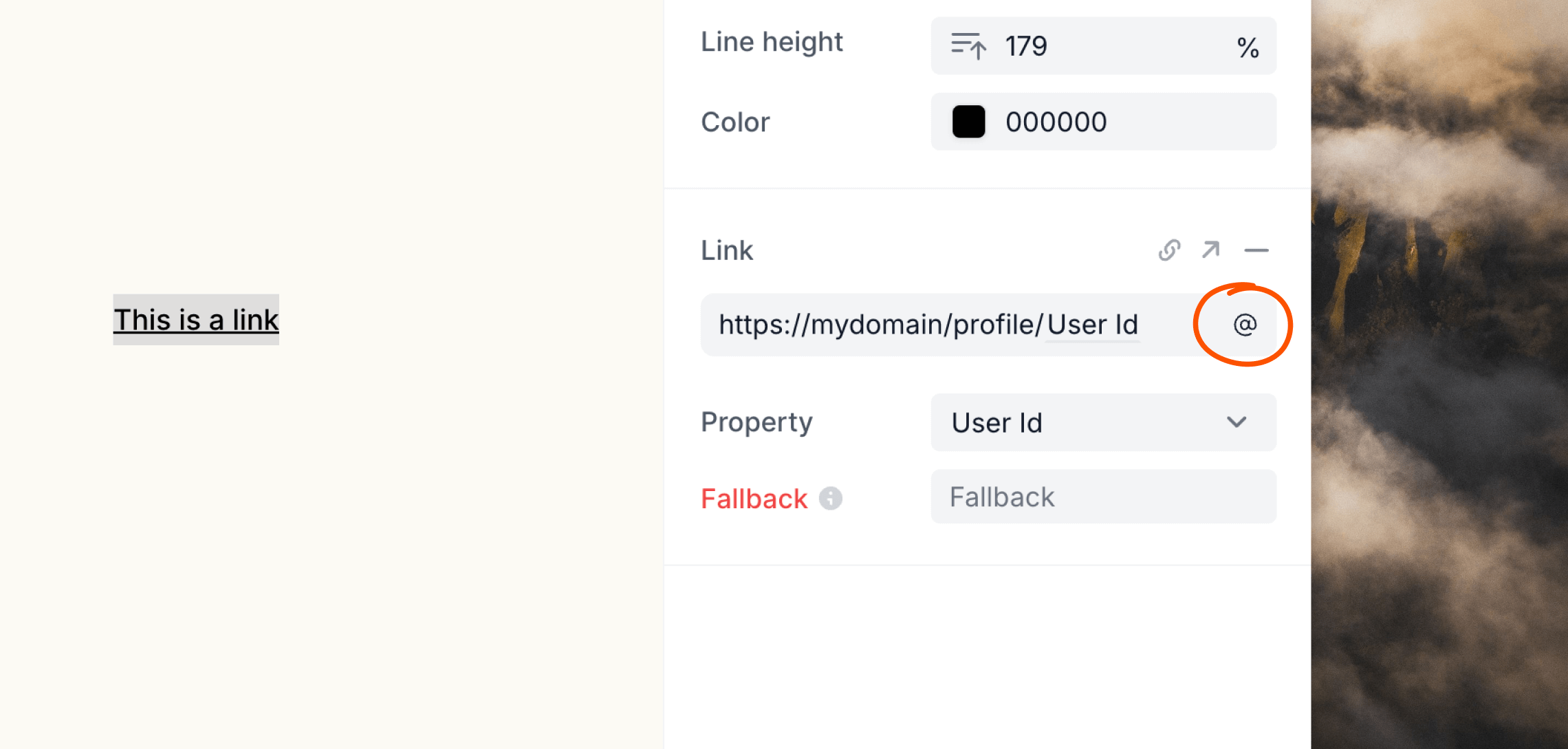
You can create dynamic links using contact and event properties or data variables.
When editing a link, click the icon—which will be different depending on the type of email you are creating—on the right of the input, then add the dynamic content you want to use.
Enter your URL into the field then hit Enter. Helpfully, you can omit the `https://` protocol as it is automatically added to each link.
## Dynamic links
You can create dynamic links using contact and event properties or data variables.
When editing a link, click the icon—which will be different depending on the type of email you are creating—on the right of the input, then add the dynamic content you want to use.
 ## UTM parameters
Loops does not automatically add UTM parameters to links in your emails. To attribute traffic and conversions in tools like Google Analytics, append UTM parameters directly to your link URLs when you add them:
```
https://example.com/pricing?utm_source=loops&utm_medium=email&utm_campaign=launch
```
You can combine UTM parameters with [dynamic links](#dynamic-links) to vary values per contact or per send—for example, using a data variable for `utm_campaign`.
## Link tracking
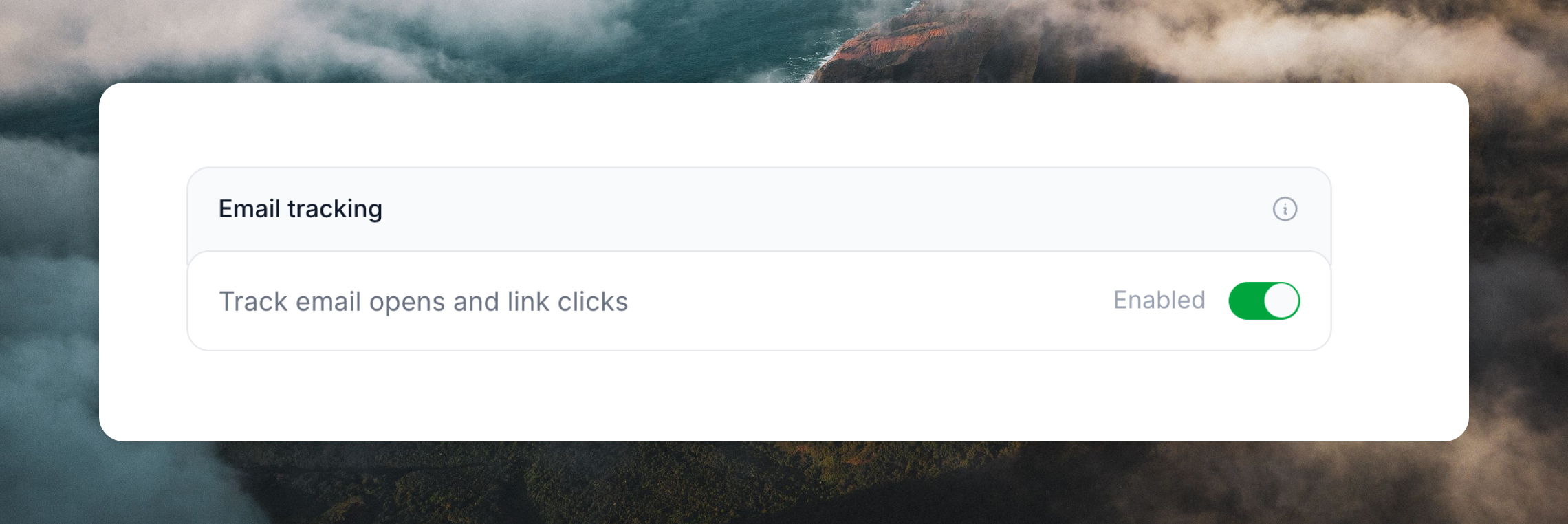
By default marketing emails (campaigns and workflows) have opens and link tracking enabled. This can be disabled for all emails in [Settings -> Sending](https://app.loops.so/settings?page=sending).
Links and opens in transactional emails are never tracked in order to improve
deliverability.
## UTM parameters
Loops does not automatically add UTM parameters to links in your emails. To attribute traffic and conversions in tools like Google Analytics, append UTM parameters directly to your link URLs when you add them:
```
https://example.com/pricing?utm_source=loops&utm_medium=email&utm_campaign=launch
```
You can combine UTM parameters with [dynamic links](#dynamic-links) to vary values per contact or per send—for example, using a data variable for `utm_campaign`.
## Link tracking
By default marketing emails (campaigns and workflows) have opens and link tracking enabled. This can be disabled for all emails in [Settings -> Sending](https://app.loops.so/settings?page=sending).
Links and opens in transactional emails are never tracked in order to improve
deliverability.
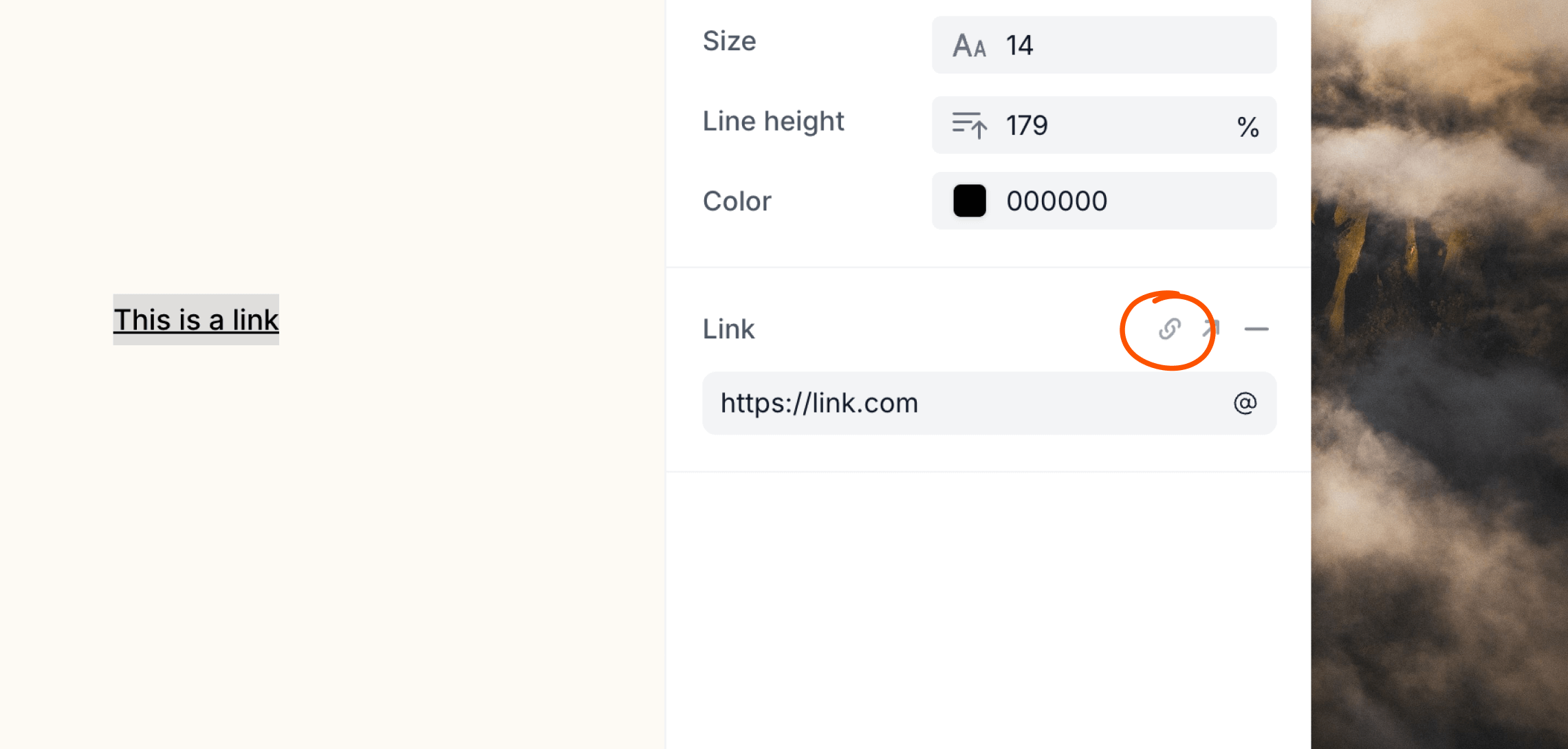
 If you want to disable click tracking on individual links in your emails, click the icon in the editor panel.
 We do not support deeplinks prepended with `ms-word:` as they are blocked by Gmail and other inbox providers. We recommend linking to a non-deeplink landing page instead. This may also be the case with other deeplinks in certain situations—you'll know if that's the case as the link will seem unclickable.
## Related topics
- [Agent skills for Loops](/docs/skills.md)
- [Shortened YouTube links warning](/docs/deliverability/youtube-links-warning.md)
- [Uploading a custom email](/docs/creating-emails/uploading-custom-email.md)
- [Better Auth](/docs/integrations/better-auth.md)
- [Guardian](/docs/creating-emails/guardian.md)
We do not support deeplinks prepended with `ms-word:` as they are blocked by Gmail and other inbox providers. We recommend linking to a non-deeplink landing page instead. This may also be the case with other deeplinks in certain situations—you'll know if that's the case as the link will seem unclickable.
## Related topics
- [Agent skills for Loops](/docs/skills.md)
- [Shortened YouTube links warning](/docs/deliverability/youtube-links-warning.md)
- [Uploading a custom email](/docs/creating-emails/uploading-custom-email.md)
- [Better Auth](/docs/integrations/better-auth.md)
- [Guardian](/docs/creating-emails/guardian.md)